01
Capture
Light, optics and sensor
Avoid cut recordings and oversized purchases by understanding bitrate and sustained speed.
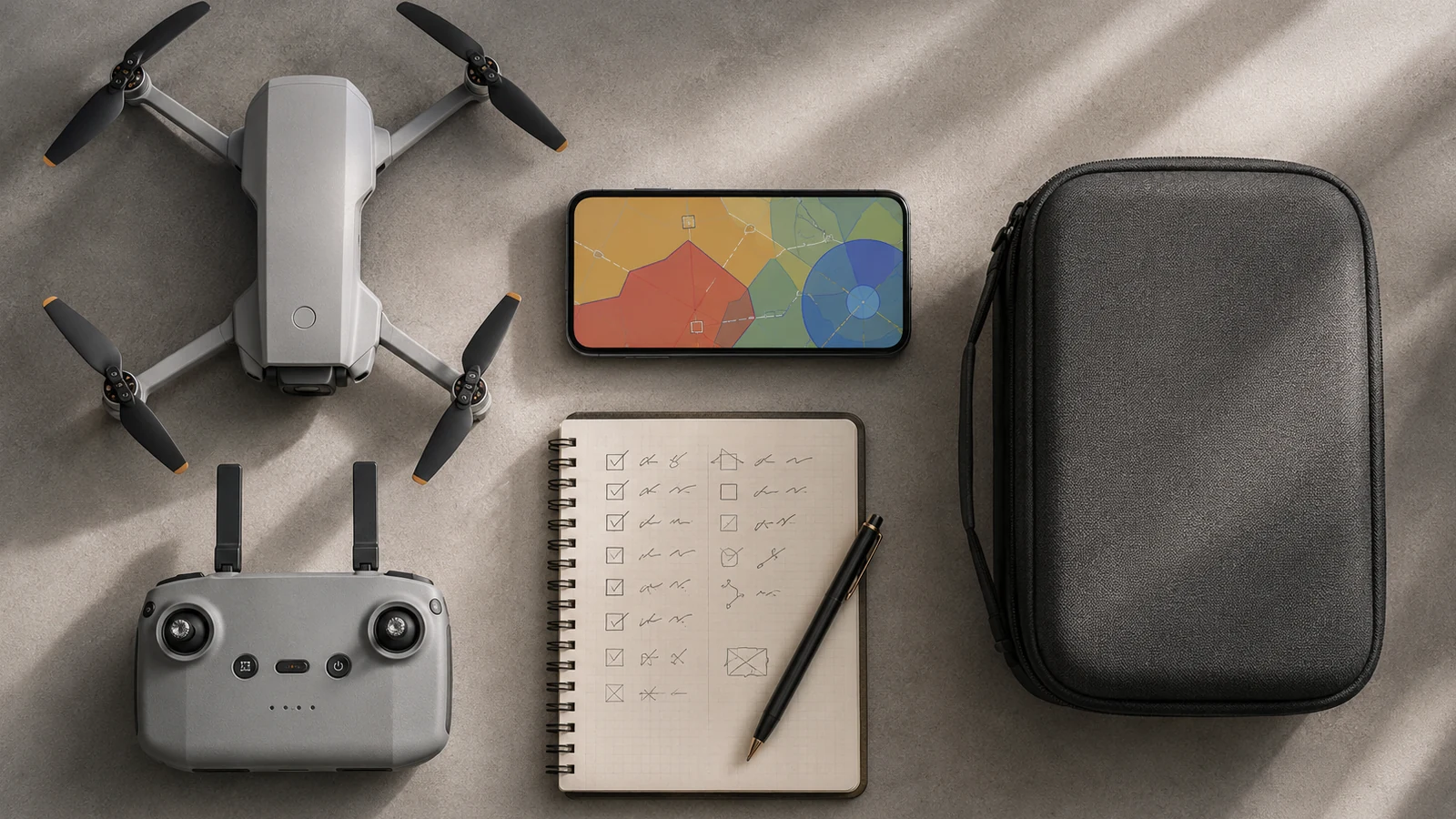
Read the tour before going into the detail. Each block answers a different question and ends in a practical check.
Light, optics and sensor
Gimbal, shutter and trajectory
Bitrate, profile and card
Copying, editing and formatting
The file size depends on the bitrate, not just whether the video is 4K. The DroneBase calculator translates Mbps and minutes into gigabytes with a safety margin.
Classes V30, V60 or V90 describe sustained minima. Check the official model recommendation; A maximum read figure does not guarantee continuous writing.
Not all drones support any capability. Check format, maximum capacity and manufacturer's list. Format the card from the aircraft when the manual indicates it.
Copy, verify and only then format. Carry an identified reserve card and do not use the same unit as a permanent file.
The advertised maximum speed alone does not describe the ability to record video continuously. Classes C, UHS and Video Speed Class identify minimum sequential performance under the conditions of the standard. The SD Association defines, among others, V6, V10, V30, V60 and V90.
The drone must support the card capacity and type, and the video mode must fit within the available sustained write. Check the manual for your exact model first: a faster card does not extend reader compatibility or fix an unsupported file system.
Define the delivery: photography, horizontal video, vertical video for networks, slow motion or material for color grading. That decision sets resolution, frequency, profile, shutter, storage and editing time. A more demanding mode only adds value if your card, computer and flow can support it.
Separates sharpness from stability. Optics and focus determine detail; the gimbal controls orientation; shutter and trajectory change the sensation of movement; wind and digital correction can introduce clipping or artifacts. Review each layer instead of attributing everything to the number of pixels.
Before an important session, record a short test with final mode, review the file on the big screen and calculate capacity and copies. Carry a less demanding backup configuration for when light, wind or storage do not allow you to maintain the ideal plan.
In microSD cards for drones: capacity and speed, a good decision does not come from a single specification. First define the result you are looking for, identify the capacity that makes it possible and then check its limits in the real environment. Only then does it make sense to compare models or accessories.
Light, optics and sensor. Check what it provides, under what conditions it works and what limitation can change your decision.
Gimbal, shutter and trajectory. Check what it provides, under what conditions it works and what limitation can change your decision.
Bitrate, profile and card. Check what it provides, under what conditions it works and what limitation can change your decision.
Copying, editing and formatting. Check what it provides, under what conditions it works and what limitation can change your decision.
Prioritizes quick preparation, vertical, gimbal and easy transfer. A 4K mode that requires too much cropping or editing may provide less than a reliable stream.
Look sensor, RAW, bracketing, dynamic range and stability in wind. Resolution is only useful if optics, processing and exposure preserve detail.
Compare bitrate, color depth, profiles, frame rate, codec and compatibility with your editor. Add cards, filters and copy time to the actual cost.
Look for an exact model name, variant and package contents. Separate the confirmed features from the general promises and assess the cost of the complete system: batteries, control, storage, protection, spare parts and really necessary accessories.
If two products do not solve the same use, they are not comparable even if they have a similar price. If an essential piece of information does not appear in the variant documentation, consider it pending and not an advantage.
If a decision depends on the specific location, the marking of the drone or the type of operation, always confirm the case with CAA and CAA airspace alerting guidance before taking off.
Three models to continue the comparison with the criteria you just reviewed.
Editorial selection. Links to Amazon are affiliate links; confirm model, seller, availability and variant before purchasing.
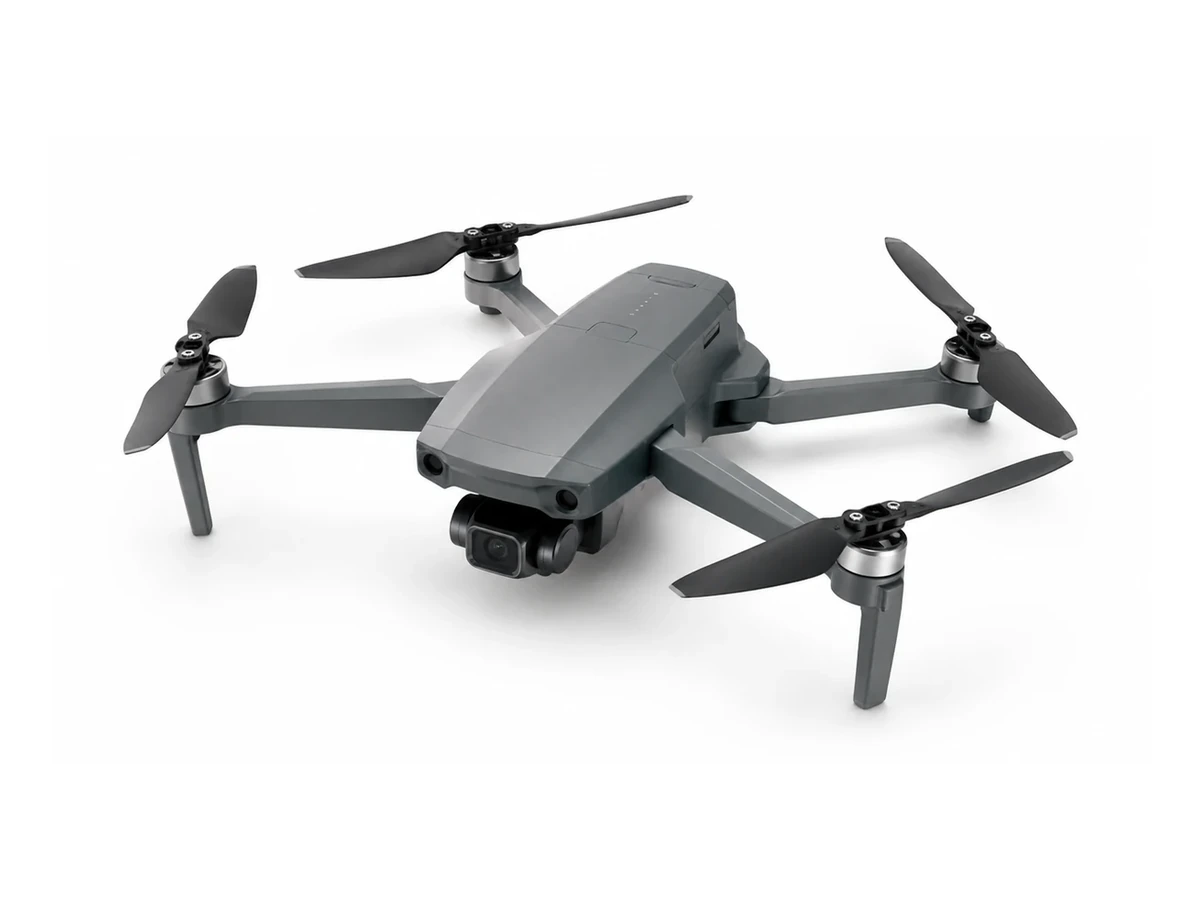 EDITORIAL REPRESENTATION
DJI Mini 4 Pro aimed at tracking, traveling and content creation. Compare weight, camera, stabilization, security and exact contents of the pack before deciding.
Add to comparison →Check the exact variant before buying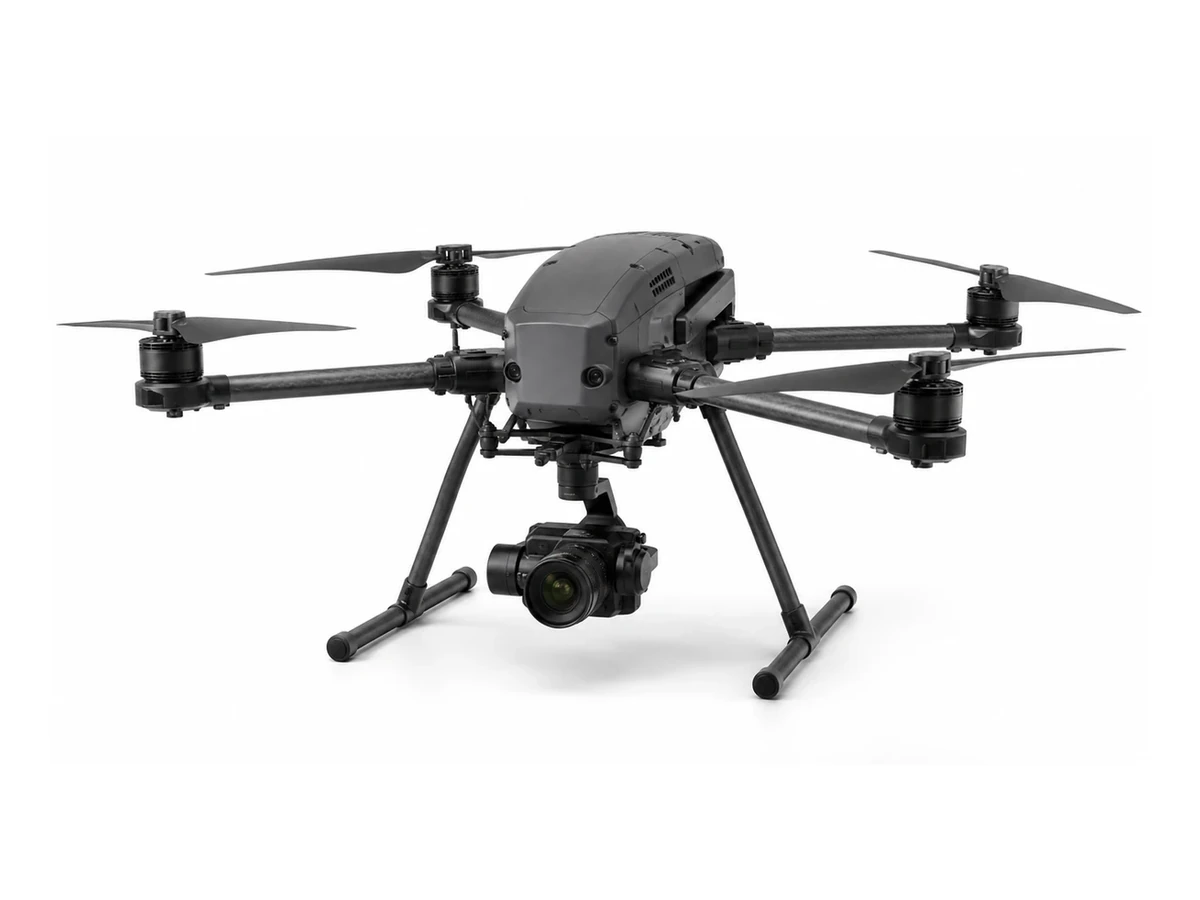 EDITORIAL REPRESENTATION
DJI Air 3S aimed at tracking, traveling and content creation. Compare weight, camera, stabilization, security and exact contents of the pack before deciding.
Add to comparison →Check the exact variant before buying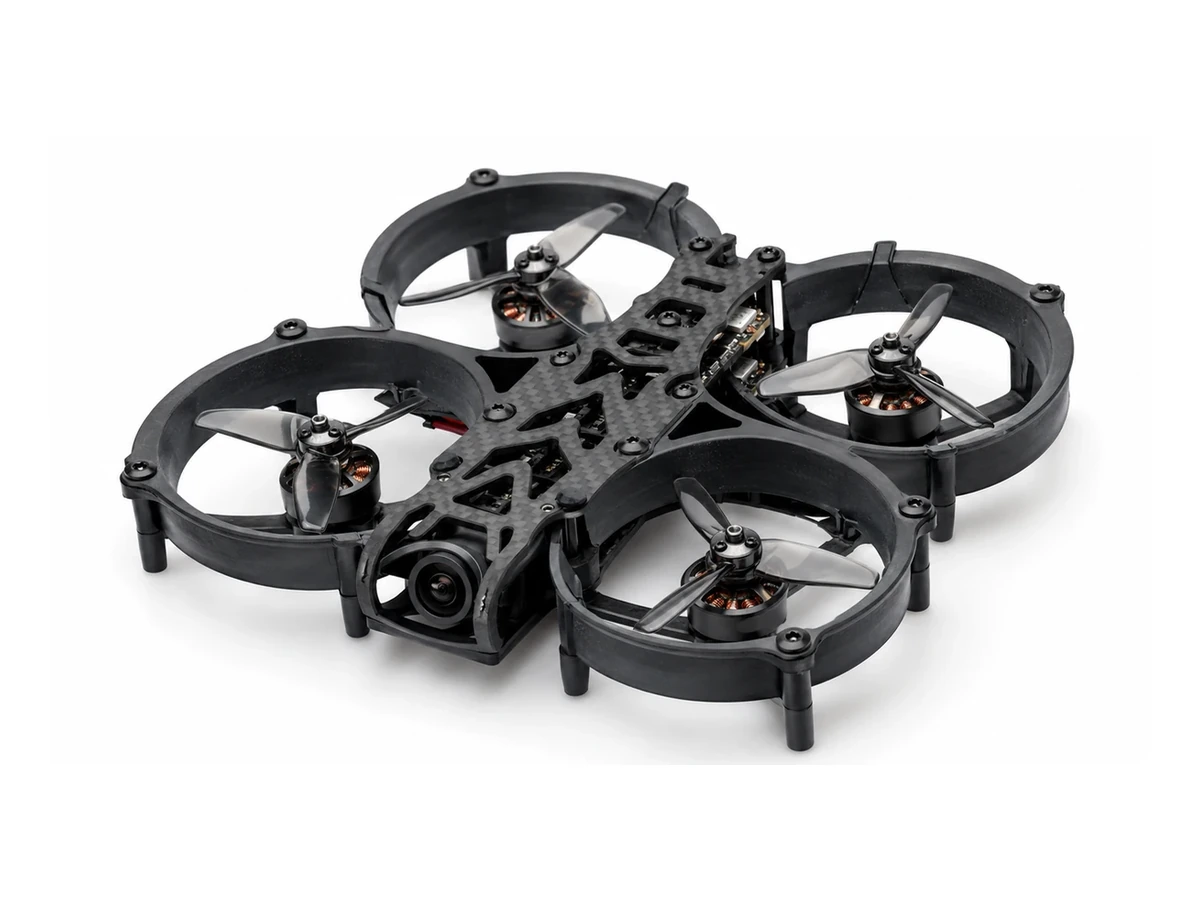 EDITORIAL REPRESENTATION
DJI Avata 2 aimed at fpv flight and immersive image. Compare weight, camera, stabilization, security and exact contents of the pack before deciding.
Add to comparison →Check the exact variant before buying