01
Inspection
Propellers, arms and casing
A short routine after dust, coast, grass or small contacts.
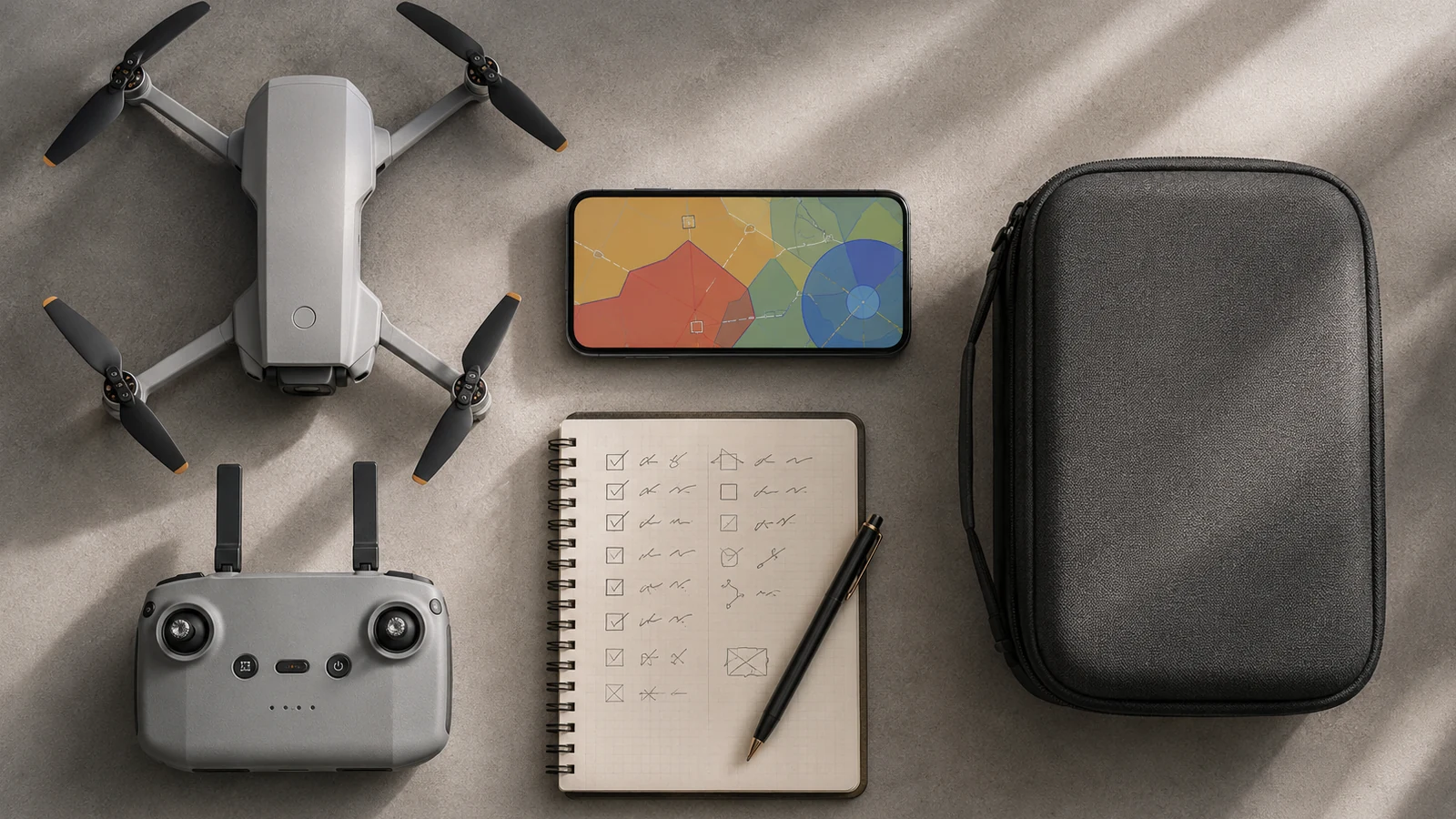
Read the tour before going into the detail. Each block answers a different question and ends in a practical check.
Propellers, arms and casing
Motors, sensors and optics
Noise, vibration and warnings
Bumps, changes and cycles
Check for cracks, deformations, screws, arms, housing, gimbal and connectors. A seemingly small propeller can affect vibration and efficiency.
Removes dirt without forcing shafts or introducing debris. Do not use liquids or pressurized air unless the manufacturer allows it.
Use appropriate cleaning material for lenses. Keep obstacle sensors clean and avoid touching optical surfaces with your fingers.
Record knocks, warnings and propeller changes. If vibration, abnormal noise or persistent error appears, do not cover it up with repeated recalibration.
Start with the exact model documentation, not the family name. Check which mode, accessory or feature is available on that variant and under what conditions. A maximum figure is used for comparison; To plan you also need its limits, the configuration used and the margin required by your environment.
It then tests the coherence of the entire system: aircraft, controller, batteries, storage, application, spare parts and workflow. If a compatibility is missing or the source does not distinguish between packs, keep it pending. This discipline avoids paying for a capability you can't use or building an operation on an ambiguous promise.
Inspect in good light and compare symmetrical sides. Look for cracks, deformations, looseness, debris and new marks. Turn each motor only as directed by the manufacturer and do not introduce tools or pressurized air without authorization.
Clean optics and sensors with suitable material. A seemingly clean surface may retain grease or dust that degrades detection, focus, or contrast. Protect the gimbal during transport and remove its protector before turning on.
After a persistent fall or warning, record the incident and perform a controlled test. Abnormal noise, vibration or heating are reasons to stop the equipment; A repeat calibration should not be used to hide a mechanical problem.
In drone maintenance: cleaning, propellers and sensors, a good decision does not come from a single specification. First define the result you are looking for, identify the capacity that makes it possible and then check its limits in the real environment. Only then does it make sense to compare models or accessories.
Propellers, arms and casing. Check what it provides, under what conditions it works and what limitation can change your decision.
Motors, sensors and optics. Check what it provides, under what conditions it works and what limitation can change your decision.
Noise, vibration and warnings. Check what it provides, under what conditions it works and what limitation can change your decision.
Bumps, changes and cycles. Check what it provides, under what conditions it works and what limitation can change your decision.
Look for simplicity, clear documentation, spare parts and a pack that you can use from day one. Avoid paying for features you don't know if you need yet.
Identify what specific limit you want to overcome: camera, wind, tracking, autonomy, control or ecosystem. If you can't name it, maybe you don't need to upgrade.
Consider batteries, charging, transportation, maintenance, after-sales service, and preparation time. The daily experience depends on the entire system.
Look for an exact model name, variant and package contents. Separate the confirmed features from the general promises and assess the cost of the complete system: batteries, control, storage, protection, spare parts and really necessary accessories.
If two products do not solve the same use, they are not comparable even if they have a similar price. If an essential piece of information does not appear in the variant documentation, consider it pending and not an advantage.
If a decision depends on the specific location, the marking of the drone or the type of operation, always confirm the case with CAA and CAA airspace alerting guidance before taking off.
Three models to continue the comparison with the criteria you just reviewed.
Editorial selection. Links to Amazon are affiliate links; confirm model, seller, availability and variant before purchasing.
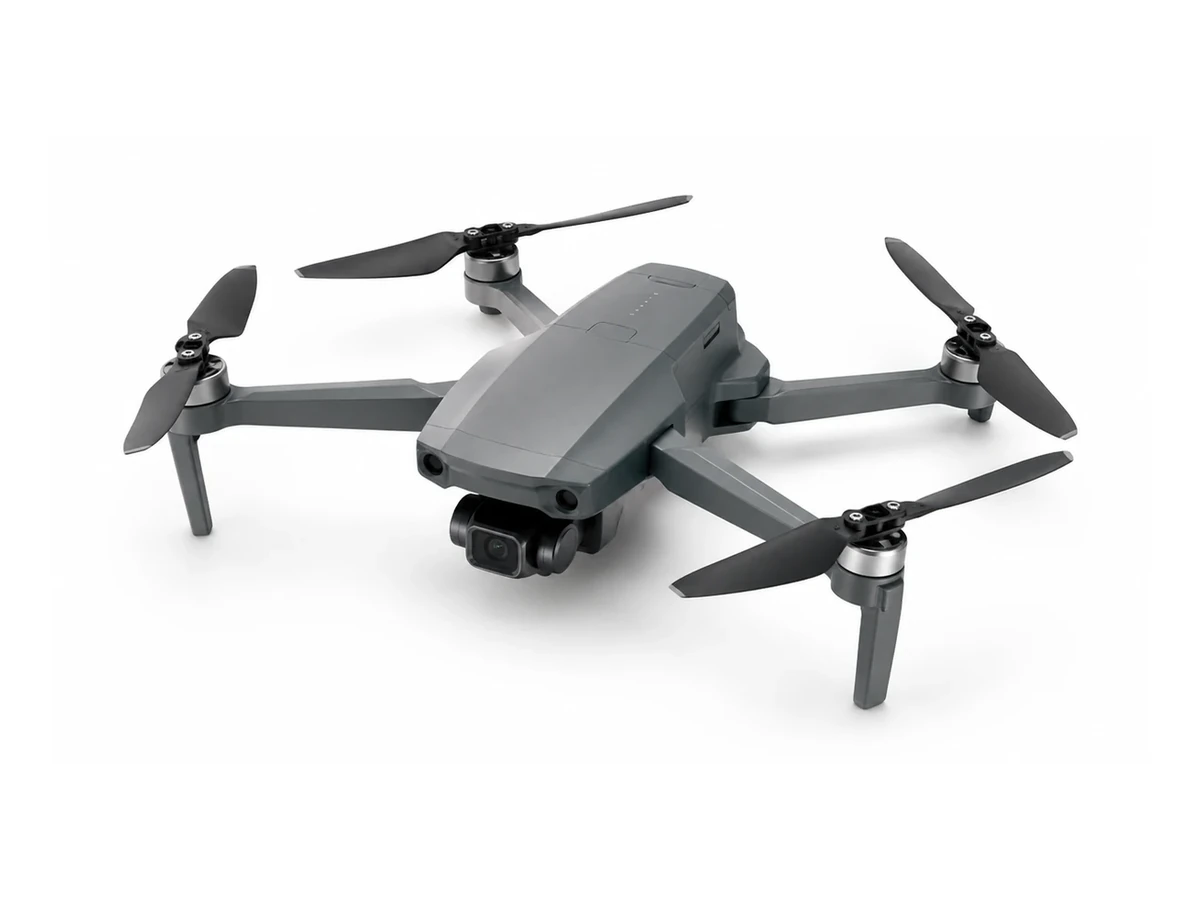 EDITORIAL REPRESENTATION
DJI Mini 4K aimed at first flights and supervised learning. Compare weight, camera, stabilization, security and exact contents of the pack before deciding.
Add to comparison →Check the exact variant before buying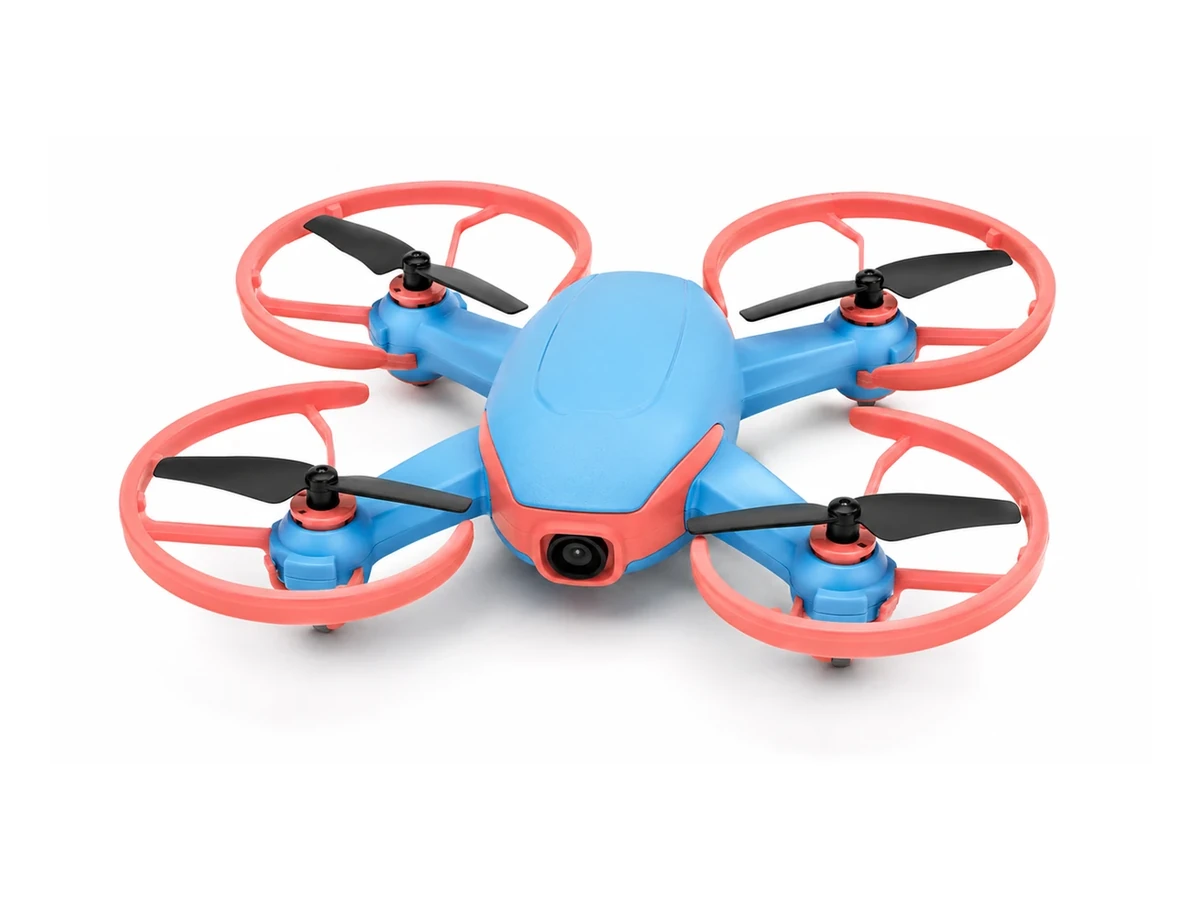 EDITORIAL REPRESENTATION
Holy Stone HS290 aimed at first flights and supervised learning. Compare weight, camera, stabilization, security and exact contents of the pack before deciding.
Add to comparison →Check the exact variant before buying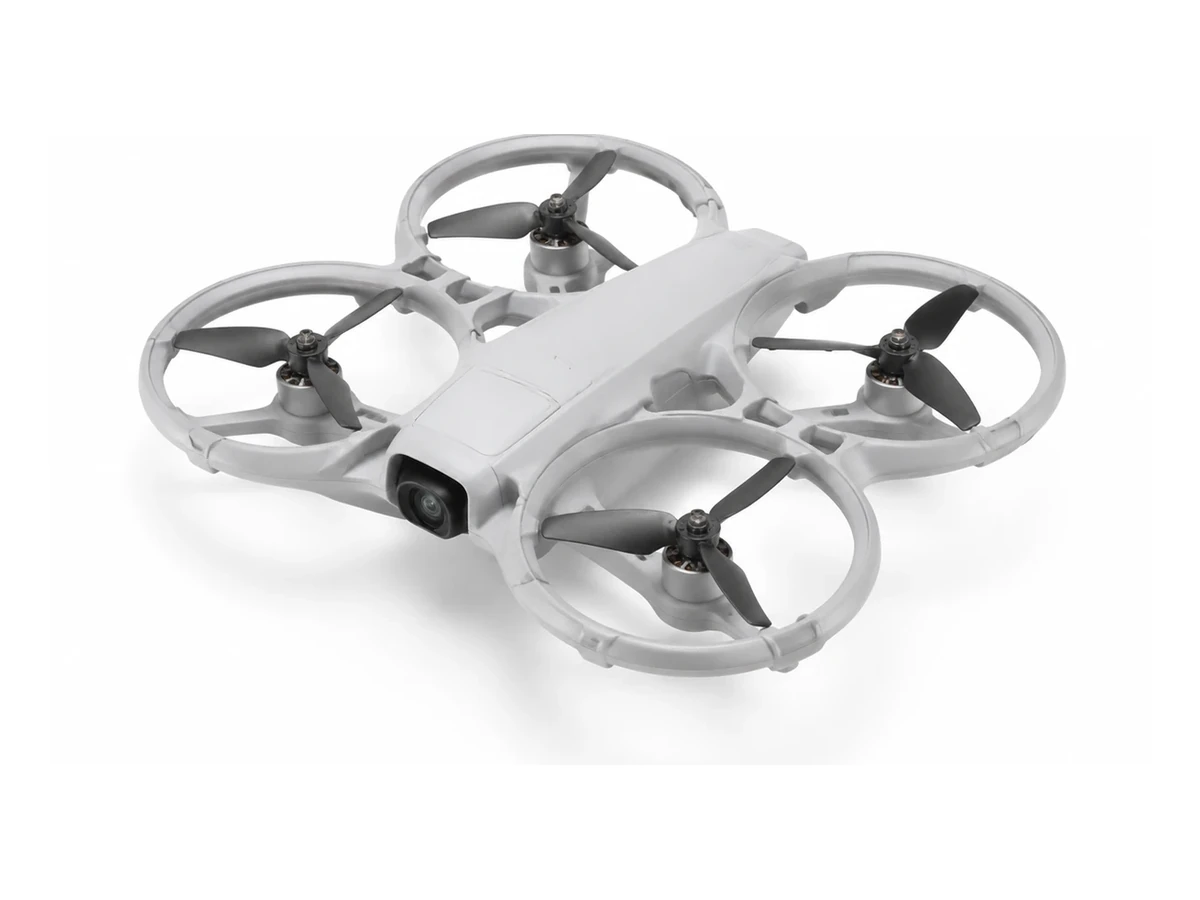 EDITORIAL REPRESENTATION
DJI Neo 2 aimed at first flights and supervised learning. Compare weight, camera, stabilization, security and exact contents of the pack before deciding.
Add to comparison →Check the exact variant before buying